
Documentation Index

Fetch the complete documentation index at: https://magicpatterns.mintlify.dev/docs/llms.txt

Use this file to discover all available pages before exploring further.

Magic Patterns is multiplayer everywhere, much like Figma. When you and a teammate open the same design or canvas, you both see who else is around and the page updates live as either of you (or the agent) makes changes.

In the design editor

You’ll see your teammates’ avatars in the toolbar, and the chat thread, generations, and design preview update for everyone at the same time. Read-only viewers can follow along and leave inline comments.
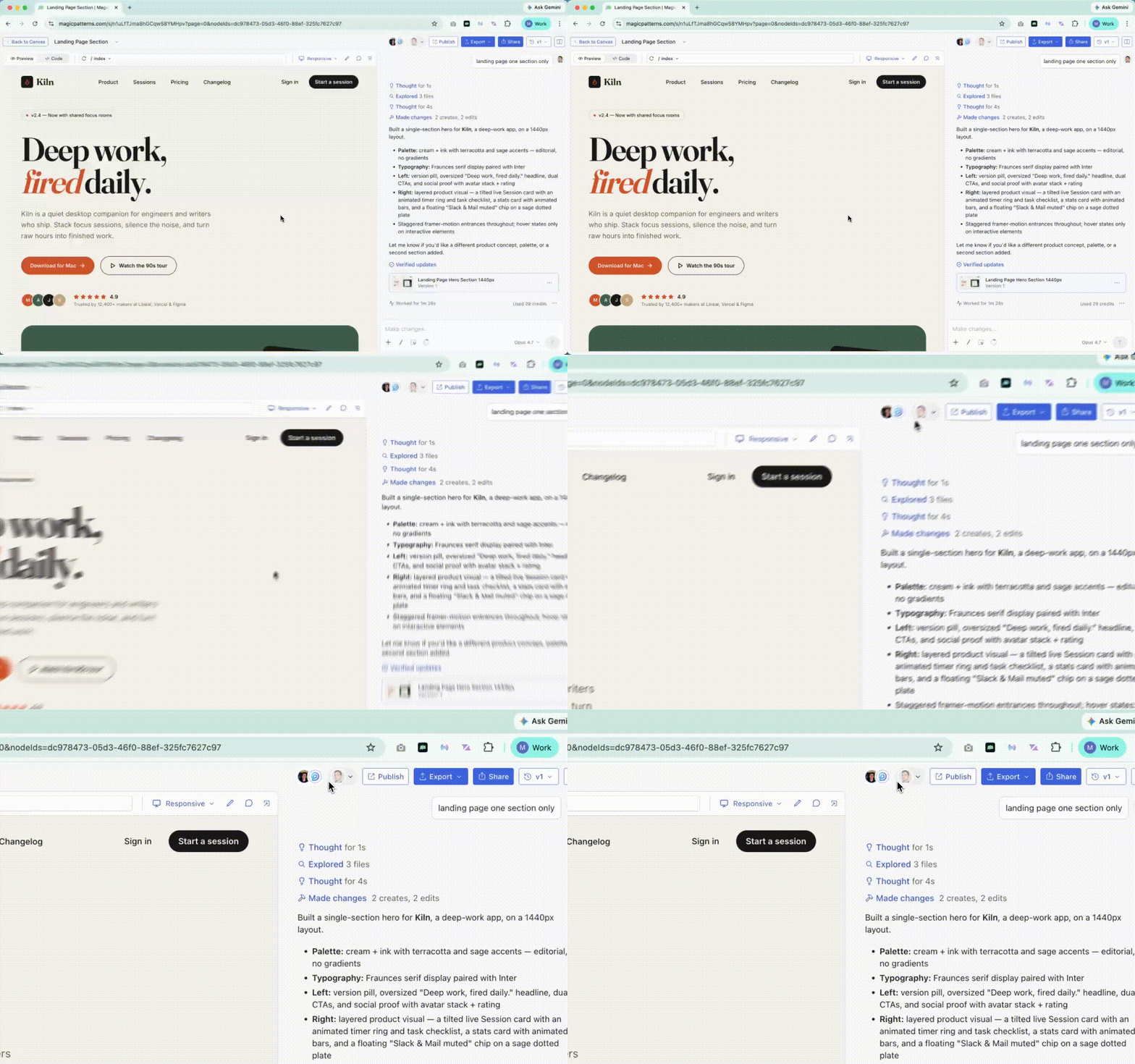
Two teammates on the same Magic Patterns design with synchronized chat and preview

On the canvas

The Canvas goes a step further with live cursors. When a teammate selects a screen, it gets a colored outline matching their cursor color, so you can see exactly where each teammate is and what they’re working on.
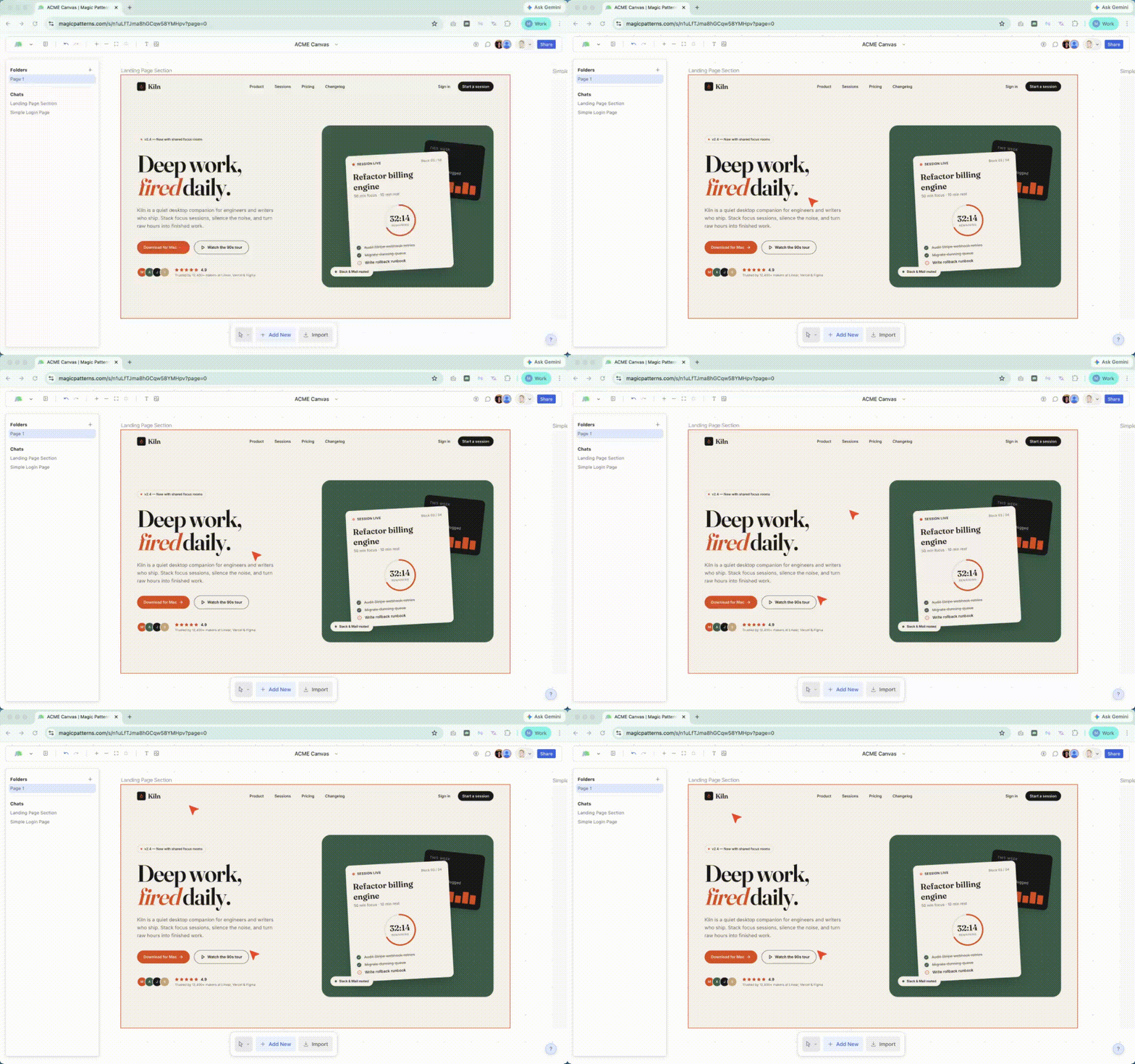
Live cursors and selections on a shared Magic Patterns canvas

Who can join

Anyone with access to the design or canvas joins automatically when they open it. Set permissions through Sharing Designs and Team Workspaces.