

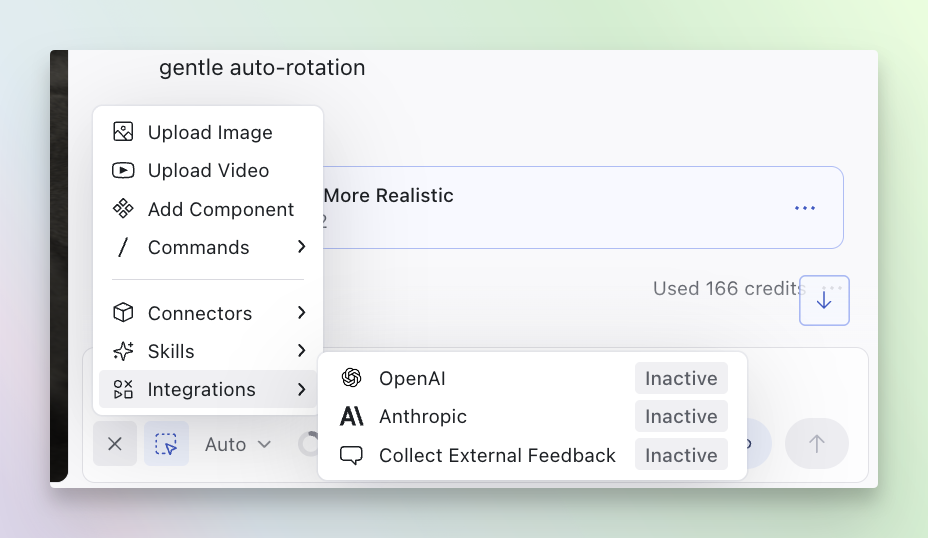
Setting Up Feedback Collection
1
Open the chatbar
Open the chatbar in your design and locate the integrations section.
2
Enable external feedback collection
In the integrations section, click on “Collect Feedback,” toggle it on, and
configure your custom questions.
3
Add custom questions
Create questions for your stakeholders to answer when they view your design.
4
Share the Publish link
Send the preview link to your external stakeholders. They’ll see your
questions when viewing the design.
5
Review feedback
View all collected feedback in the integrations panel by clicking on
“Download Feedback.”