

Import via URL (Recommended)
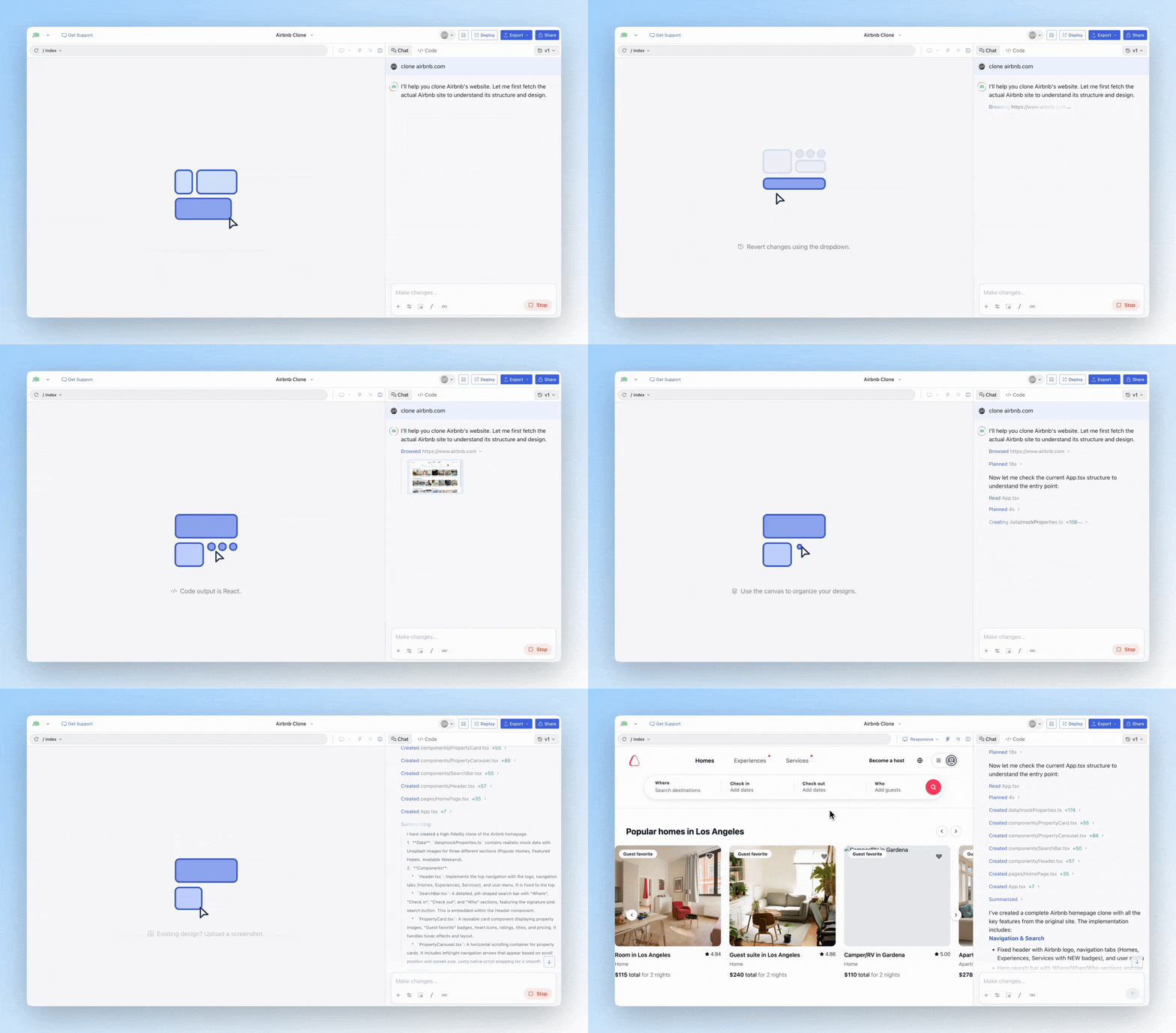
With Agent Mode, you can now import any website by simply sharing its URL in your prompt. The agent browses the page, captures its design, and uses it as context. How it works:- Start a new design or open an existing project
- In the prompt, include a URL like:
Clone airbnb.comorMake a landing page like stripe.com - The agent automatically browses the website and uses it as design inspiration
Chrome Extension
For more advanced use cases, our Chrome Extension lets you import any website into Magic Patterns — including localhost and authenticated pages that the agent can’t browse directly.When to use the Chrome Extension
- Localhost — Import designs from your local development server
- Authenticated pages — Import pages behind a login
- Individual components — Select and import specific parts of a page, not just the whole thing
- Storybook — Import your Storybook components directly